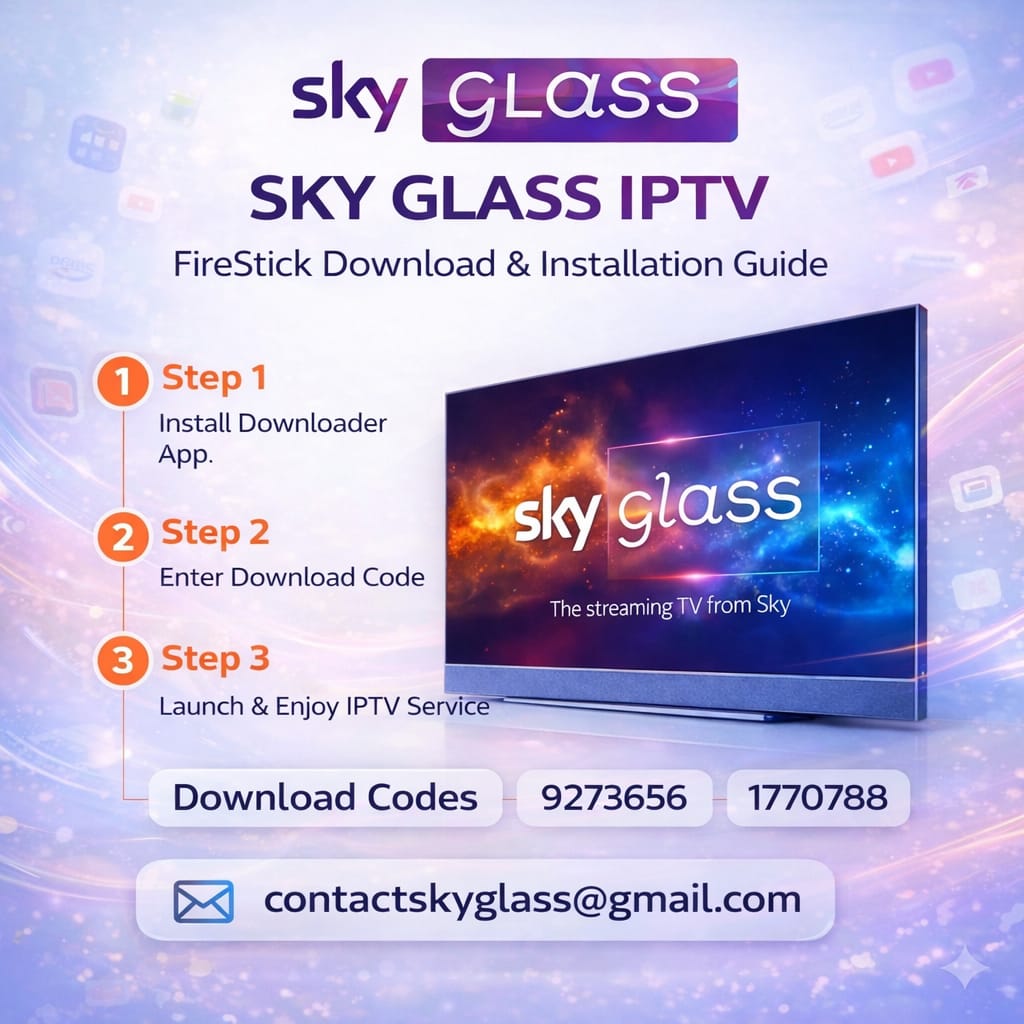
Install SKY GLASS IPTV easily using Downloader Code 1770788. Follow the complete setup guide to install and configure the SKY GLASS TV app on compatible Fire TV and Android TV devices.
About SKY GLASS IPTV Downloader Code 1770788 – Full Setup Guide
SKY GLASS IPTV Downloader Code 1770788 – Full Setup Guide
Description:
Install SKY GLASS IPTV easily using Downloader Code 1770788. Follow the complete setup guide to install and configure the SKY GLASS TV app on compatible Fire TV and Android TV devices.
Full Setup:
1. Open the Downloader app on your device.
2. Enter 1770788 in the Downloader search/URL field.
3. Download and install the SKY GLASS TV app.
4. Open the app and select B1G 2.
5. Enter your IPTV username and password.
6. Complete the setup and start using your subscription.
Compatible Devices: Fire TV / FireStick and compatible Android TV devices.
Important: An active SKY GLASS IPTV subscription is required to access the service.