About Sky Glass IPTV FireStick Setup & Downloader Code UK
Sky Glass App for FireStick: IPTV Setup Guide for UK Users (2026) (2027)
Are you searching for the **Sky Glass app for FireStick**, a Sky Glass IPTV download, or a Downloader code to set up IPTV on your Amazon Fire TV Stick? This guide explains how IPTV players work, what to check before installation, and how UK viewers can choose a suitable IPTV subscription.
Whether you use an Amazon Fire TV Stick, Android TV, or a compatible Smart TV, choosing the correct application and checking device compatibility are important first steps.
## What Is the Sky Glass App?
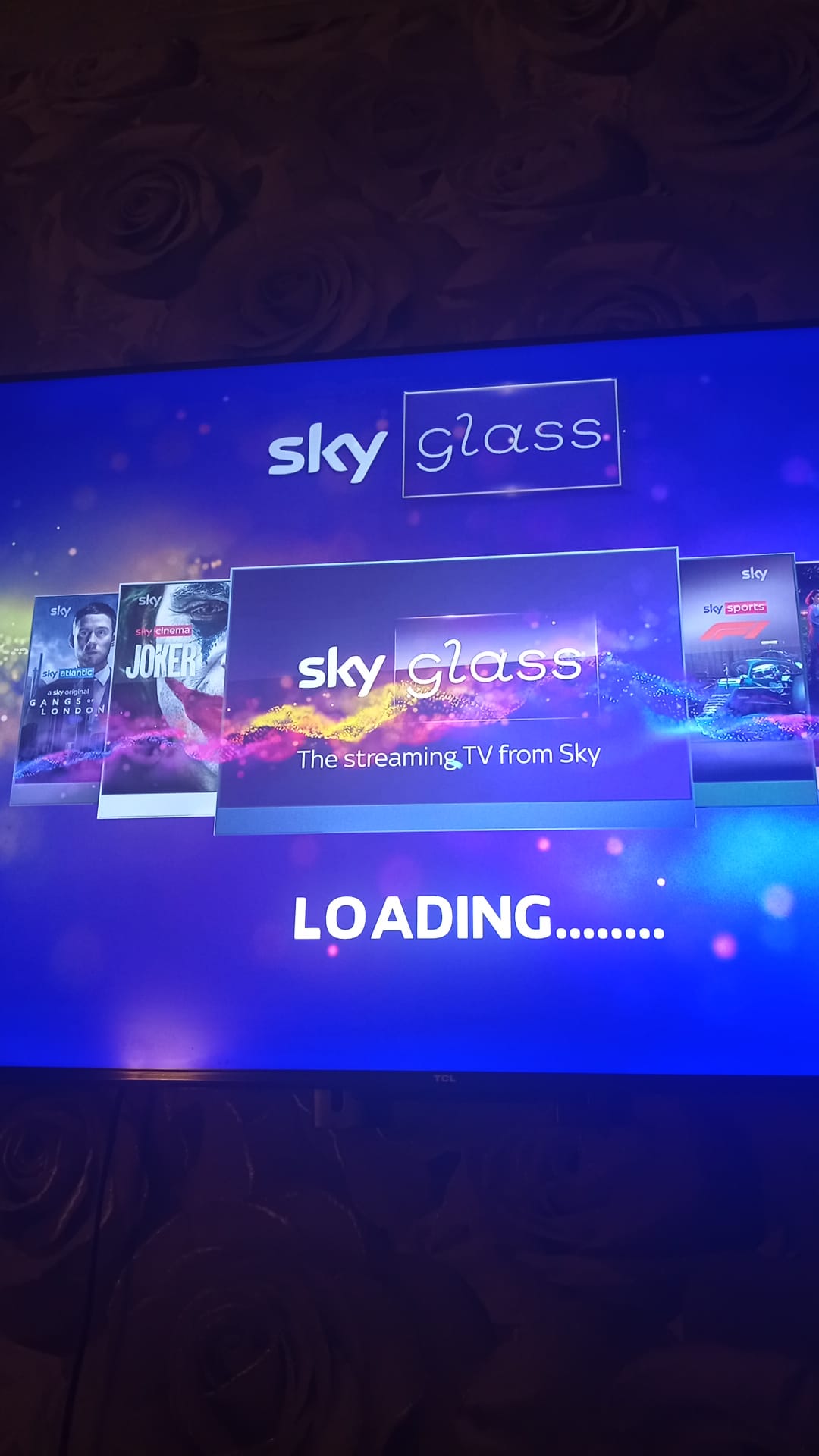
The term **Sky Glass app** can refer to different things. Sky Glass is a television product from Sky, while independent services using the name Sky Glass IPTV may offer an IPTV player or subscription service.
These products are not automatically the same. Always confirm the app publisher, official download source, device compatibility, and service terms before installing an application or purchasing a subscription.
An IPTV player can organise compatible internet television streams and playlists. Depending on the player and service, its features may include:
- Live TV channel browsing
- Electronic Programme Guide (EPG)
- Movies and TV series categories
- Search and favourites
- HD and 4K playback where supported
- Playlist or account configuration
Available content depends on the connected service, its permissions, the application, and your device.
## Sky Glass FireStick: Can You Use IPTV on Amazon Fire TV?
Amazon Fire TV Stick is a popular streaming device for UK households. It connects to a compatible television through HDMI and uses an internet connection to run supported streaming applications.
If you want to use a service marketed as Sky Glass IPTV on FireStick, first verify that its application supports your Fire TV model and operating system.
### How to Set Up an IPTV App on FireStick
**Step 1: Connect your FireStick**
Connect the Fire TV Stick to your television's HDMI port, connect its power supply, and follow the on-screen instructions to connect to Wi-Fi.
**Step 2: Check the application**
Search the Amazon Appstore for the IPTV player recommended by your provider. Confirm the publisher and compatibility before downloading it.
**Step 3: Check the installation method**
If your provider supplies an installation link or Downloader code, verify it directly with the provider. Only download applications from sources you trust. A code is a shortcut to a download destination, not proof that an app is genuine or safe.
**Step 4: Install and configure the player**
Follow the application's installation instructions. Where supported, enter the subscription details supplied by your provider, such as a username, password, server address, or playlist URL.
**Step 5: Test playback**
Check that the account is active, the internet connection is stable, and the channels or other content you are authorised to access load correctly.
## Sky Glass Downloader Code: What UK Users Need to Know
A Downloader code is a numeric shortcut that can direct the Downloader application to a particular download destination on compatible devices.
There is no universal code that works for every IPTV application or provider. Codes may change, and an incorrect or outdated code may lead to an unavailable file or an unrelated destination.
Before entering a **Sky Glass Downloader code**, confirm these details:
- The code comes from your actual service provider or a trusted official source.
- The download destination matches the intended application.
- The application supports your FireStick model and Fire OS version.
- The installation instructions are current.
- You understand which permissions the application requests.
Do not assume that a code found on a search engine is guaranteed to be current or safe. If you have purchased a SKY GLASS IPTV subscription, ask your provider to confirm the correct code for your device.
## Sky Glass IPTV Subscription UK: What Should You Check Before Buying?
UK buyers should compare IPTV services carefully before paying for a subscription. A professional-looking website or a large advertised channel count does not by itself establish service quality, reliability, or content rights.
Use this checklist before making a purchase:
**Device compatibility:** Check support for your particular FireStick, Android TV, or Smart TV.
**Content availability:** Confirm the channels, programmes, and on-demand content included in the package, along with any geographical restrictions.
**Streaming quality:** Check whether HD or 4K is available for the content you want and whether your device and broadband can support it.
**Subscription duration:** Read the package length, renewal conditions, cancellation terms, and total cost before paying.
**Customer support:** Look for clear installation guidance and a reliable way to contact the provider if activation or playback problems occur.
**Content rights:** Confirm that the service is authorised to distribute the channels and programmes it advertises in your location.
## Why Is My IPTV App Not Working on FireStick?
If your IPTV player fails to load, try these basic checks:
- Restart the FireStick and your router.
- Check whether other internet applications work.
- Confirm that your subscription has not expired.
- Verify your login details and server address.
- Check for application updates and available device storage.
- Contact the provider if the service reports an authentication or server error.
If the application will not install, confirm that the installation package is compatible with your Fire OS version and that the download source is genuine. Do not install an unfamiliar APK simply because an online guide recommends it.
## Frequently Asked Questions
### 1. How do I install the Sky Glass app on FireStick?
First, confirm which Sky Glass product or IPTV service you mean. Check its supported devices and obtain the correct installation instructions from the service provider. Install a compatible player and follow its account-configuration instructions.
### 2. What is the Sky Glass Downloader code?
The correct code depends on the particular application and its current download destination. Confirm the current code with your provider before using it.
### 3. Can I use Sky Glass IPTV on Amazon FireStick?
A compatible IPTV player may work on supported Fire TV devices, but compatibility depends on the specific application and Fire OS version. Verify support before purchasing a subscription.
### 4. Do I need an IPTV subscription to use an IPTV player?
Many IPTV players require a compatible playlist or subscription to display content. Installing a player does not automatically provide television channels or programme rights.
### 5. Can I use an IPTV app on a Smart TV?
That depends on the TV's operating system and the application's supported platforms. Check the manufacturer's app store or use a compatible external streaming device if appropriate.
### 6. Is Sky Glass IPTV the same as official Sky Glass TV?
Not necessarily. Sky Glass is a television product from Sky. An independently marketed service using the name Sky Glass IPTV should not be assumed to be an official Sky product or an affiliated service.
## Final Thoughts: Sky Glass App and FireStick Setup
Finding the right **Sky Glass app for FireStick** starts with identifying the intended service, checking application compatibility, and obtaining reliable installation instructions. A valid IPTV subscription, supported player, stable internet connection, and properly configured device all contribute to a better viewing experience.
If you are comparing IPTV subscriptions in the UK, check the included content, device support, payment terms, customer assistance, and relevant content-distribution rights before choosing a provider.
**Ready to set up your FireStick?** Confirm your device model and the current installation details with your chosen service provider before downloading the application or purchasing a subscription.