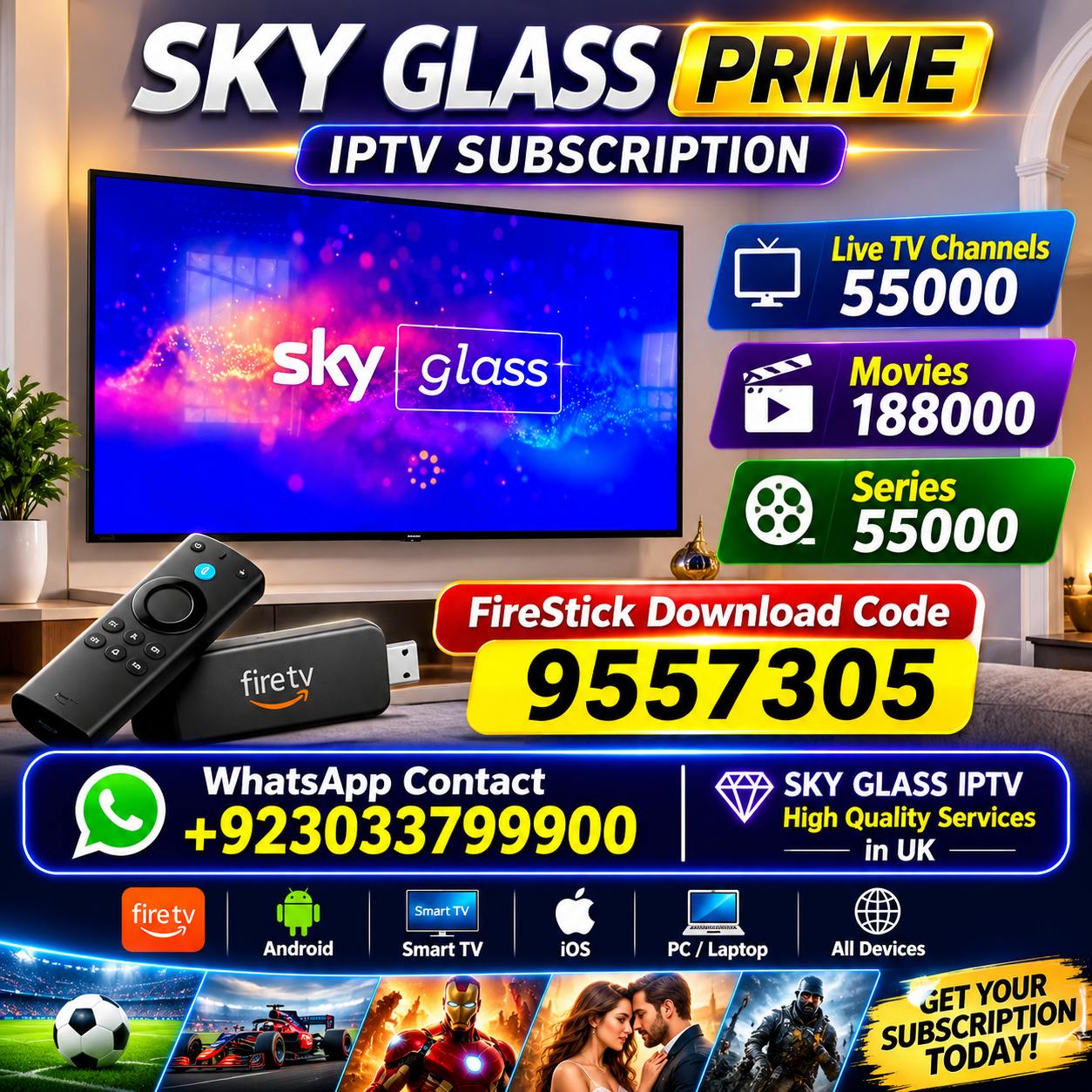
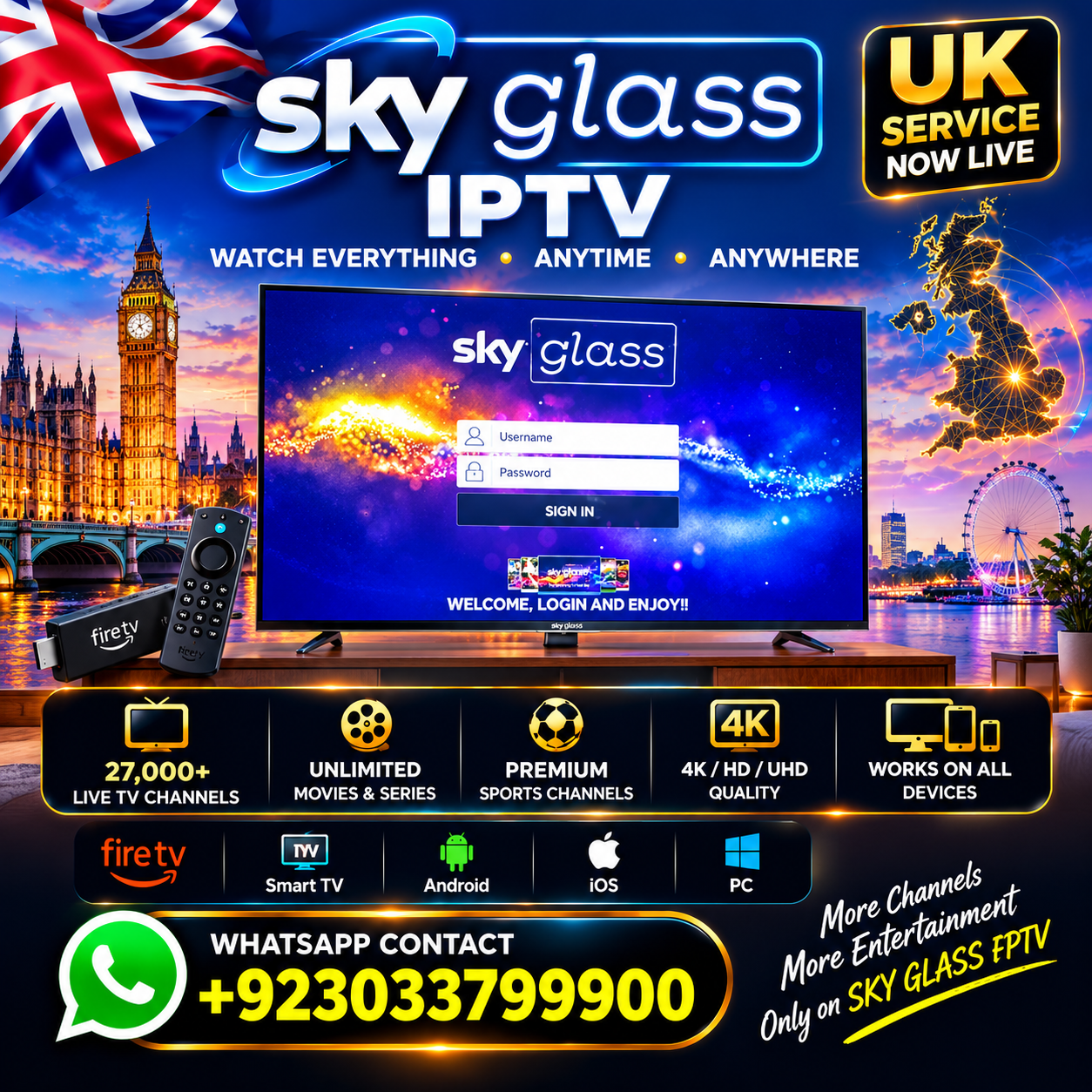
Enjoy premium entertainment with SKY GLASS PRIME IPTV in the UK! Access 55,000+ Live TV Channels, 188,000+ Movies and 55,000+ Series. Easy FireStick installation using Downloader Code 9557305. High-quality entertainment with installation support. Contact us on WhatsApp today!
About SKY GLASS PRIME UK – FireStick Installation & IPTV Subscription Guide UK
SKY GLASS PRIME UK – Easy Installation Guide for FireStick & Smart TVs
Looking for an easy way to install SKY GLASS PRIME in the UK? SKY GLASS PRIME offers a user-friendly entertainment platform with access to Live TV, Movies and Series through compatible devices.
Whether you are using an Amazon FireStick, Android TV or compatible Smart TV, follow our installation guide to get started.
SKY GLASS PRIME Subscription Features
Enjoy an extensive entertainment library with the following advertised content:
- 55,000+ Live TV Channels
- 188,000+ Movies
- 55,000+ Series
- High-quality streaming options
- User-friendly entertainment experience
- Compatible device options
SKY GLASS PRIME FireStick Installation – Step by Step
Follow these simple steps to install the application on your Amazon FireStick.
Step 1: Install Downloader
- Open your FireStick home screen.
- Go to Find and select Search.
- Search for Downloader.
- Download and install the application.
Step 2: Enable Installation Permissions
- Open FireStick Settings.
- Select My Fire TV.
- Open Developer Options.
- Select Install Unknown Apps.
- Enable Downloader.
Step 3: Enter the Download Code
- Open the Downloader application.
- Enter the following code:
SKY GLASS PRIME Downloader Code: 9557305
- Select Go.
- Follow the on-screen instructions to download the application.
Step 4: Install and Open
- Complete the installation.
- Open SKY GLASS PRIME.
- Enter your subscription login details.
- Start enjoying your entertainment experience.
Only install applications from trusted sources and use services and content you are authorised to access.
Compatible Devices
SKY GLASS PRIME installation options may include:
- Amazon FireStick
- Fire TV devices
- Android TV
- Compatible Smart TVs
- Android devices
Device compatibility depends on the application version.
SKY GLASS PRIME UK Customer Support
Need help with installation or subscription activation?
Our support team can assist with installation instructions, compatible devices and account setup.
WhatsApp Contact: +923033799900
FireStick Downloader Code: 9557305
Service: SKY GLASS PRIME IPTV
Frequently Asked Questions
1. What is the SKY GLASS PRIME Downloader Code?
The Downloader Code for SKY GLASS PRIME is 9557305.
2. Can I install SKY GLASS PRIME on Amazon FireStick?
Yes, compatible FireStick devices can use the Downloader installation method.
3. How many Live TV channels are advertised?
SKY GLASS PRIME advertises more than 55,000 Live TV channels.
4. How many Movies and Series are available?
The advertised library includes 188,000+ Movies and 55,000+ Series.
5. Where can I get installation assistance in the UK?
Contact SKY GLASS IPTV support through WhatsApp at +923033799900.
Get Started with SKY GLASS PRIME
Make your installation simple with our FireStick download guide. Enter Downloader Code 9557305 and follow the installation instructions.
Contact SKY GLASS IPTV support for subscription and installation assistance.